
How to Start an Online Store: A Step-by-Step Guide
Last updated:
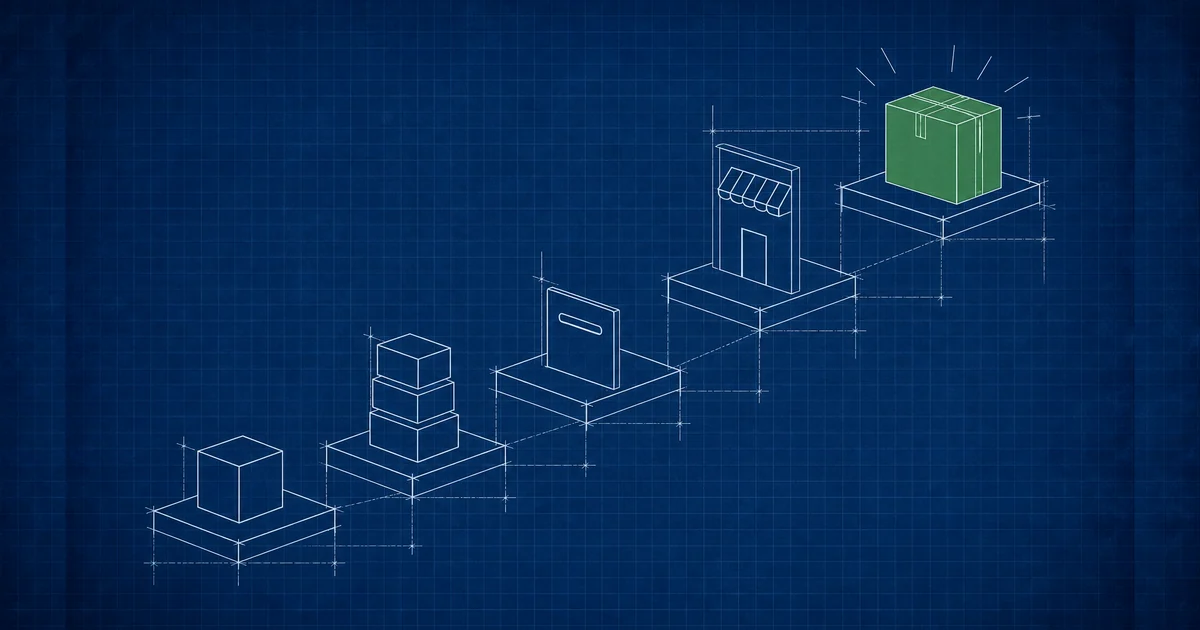
Most first stores do not fail because the design was wrong. They stall because something further back was never decided: nobody worked out who packs the order, or how the money actually arrives, or what happens when a customer wants to send something back. The store gets built, it looks fine, and then the first real order exposes the gap. This guide runs the steps in the order that prevents that, starting with the decisions that constrain everything after them and ending with the launch. Some of it you can settle in an afternoon. One or two steps deserve longer than you will want to give them.
How do you start an online store?
You start by deciding what you sell, how customers pay, and who handles fulfilment, then choose a platform that fits those answers and build around them. Product and payment decisions constrain the build, so making them first saves rework. A store can go live with very few products, and usually should.
The sequence matters more than the speed. Almost every expensive mistake in a first store comes from doing step three before step one, most often choosing a platform because it looked good in a demo and then discovering it will not take the payment method your customers actually use. Here is the whole path before we go through it properly:
- Decide the products and the fulfilment. What you sell, where the stock sits, who packs it, and how it reaches the customer.
- Decide how you get paid. Available in your country, acceptable to your customers, and reconcilable by you.
- Choose how the store is built. Hosted platform, template, or custom, judged against the first two answers.
- Build the product pages properly. These are the pages that rank and the pages that sell.
- Set up checkout, shipping, and returns. The order has to be able to complete, and to be undone.
- Sort the hosting, domain, and certificate. Boring, quick, and painful when skipped.
- Launch small and watch a real order go through. Then add products.
Step 1: Decide what you are selling and who fulfils it
Write down every product, its variants, its stock location, and who physically packs and ships it. This is the answer that decides everything downstream: catalogue size drives platform choice, variants drive how product pages are structured, and fulfilment drives your shipping setup.
The part people skip is variants. Ten products in four sizes and three colours is not ten products, it is one hundred and twenty stock entries, and platforms differ enormously in how gracefully they handle that. If you sell one-off items, the opposite problem applies: you need a store that copes with a product going permanently out of stock rather than temporarily.
Be honest about fulfilment at this stage rather than after launch. If you are packing orders yourself from home in the evenings, your store should not promise next-day dispatch. If a supplier ships on your behalf, you need to know their cut-off times before you publish a delivery estimate, because that estimate becomes a promise the moment someone pays. A useful test: describe out loud what happens in the four hours after an order arrives. If you cannot, that is the gap to close first.
Step 2: Decide how customers will pay you
Choose payment methods that are available in your country, familiar to your customers, and reconcilable in your accounts. Availability is the real constraint. Several well-known international gateways do not operate everywhere, so confirm what you can actually sign up for before you design a checkout around it.
This is where regional reality bites hardest, and it is the step most generic guides get wrong because they assume a card-first market. In Egypt and much of the wider region, cash on delivery is still widely used and expected, and a store that offers card payment only will lose orders from customers who are perfectly willing to buy. Local providers such as Paymob and Fawry operate in Egypt and cover local methods that international gateways do not. If you sell across borders, you will likely need a local option and an international one running side by side.
Cash on delivery also carries an operational cost that nobody warns you about: someone has to reconcile the cash the courier collects against the orders in your system, and returns are more common than with prepaid orders. It is still worth offering. Just plan for the admin rather than discovering it in month two.
There is a legitimate simpler starting point that we see work well for very small catalogues. Publish the products properly, take enquiries and orders through WhatsApp, and add a full checkout once you know what sells. It is not a shortcut we would recommend forever, because it does not scale and it leaks orders outside business hours, but it lets you start selling while the payment paperwork is still in progress.
Step 3: Choose how the store gets built
Match the build to the catalogue and the payment requirements you just defined. A hosted platform is fastest to launch and fine for a straightforward catalogue. A custom build earns its cost when you have unusual products, an unusual checkout, or systems that need to talk to each other.
The comparison is the same one that applies to any business website, and we have written it out in full in our guide on custom websites versus builders and templates, which is worth reading before you commit. Budget expectations are covered in our guide on how much a business website costs. What is specific to stores is this: the thing that most often forces a custom build is not design taste, it is a payment or fulfilment requirement that the hosted platform will not bend to.
Our position, stated plainly, is that a first store should almost never be custom. Prove that people buy the product before spending on software that assumes they will. The exception is when a hosted platform genuinely cannot take your payment method or handle your product structure, in which case the constraint is real and no amount of patience will change it.
Step 4: Build product pages that can be found and can sell
Product pages are the pages that earn search traffic and the pages where the decision happens, so they deserve more effort than the homepage. Each one needs a real description, honest specifications, several clear photographs, and structured data so search engines and answer engines can read the price and availability.
The default failure is a catalogue of pages carrying the manufacturer's description and one small photo. Those pages compete with every other store selling the same item, and they lose, because there is no reason to prefer them. What makes a product page yours is the information the manufacturer did not write: dimensions that matter in practice, what it is genuinely for, what it is not for, and photographs of the actual item rather than the supplier's render.
We would rather launch a store with fifteen properly written product pages than one hundred and fifty thin ones. A thin catalogue is not a neutral starting point that you improve later, it is a large set of weak pages that dilute the site while you are trying to establish it. Add products as you can do them justice.
- Write a description nobody else has. If a competitor could publish your page word for word, it is not doing any work for you.
- Photograph the real product. Multiple angles, consistent background, and at least one shot that shows scale.
- State availability and price clearly, and mark them up as product structured data so they can appear in search results and be quoted by answer engines.
- Answer the obvious question on the page. Sizing, compatibility, materials, delivery time. Every unanswered question is a reason to leave.
- Give categories real pages. Category pages often rank better than individual products for the way people actually search.
Step 5: Set up checkout, shipping, and returns
Configure the full order path before launch: shipping rates and zones, tax if it applies, order confirmation, and a returns process you have written down. Then place a real order yourself, with real money, and follow it through to refund. Most launch faults surface in that one test.
Checkout is where the money is lost, and the losses are unglamorous. A shipping cost that only appears at the last step, a form that demands an account before it will take an order, a phone field that rejects a valid local number. None of these are design problems. They are configuration problems, and they are invisible until someone tries to buy something.
Design the checkout for a phone screen first and check it on a real device rather than a browser window resized to look like one. Touch targets, autofill, and the on-screen keyboard behave differently on actual hardware.
Returns deserve a written policy before launch rather than an improvised answer to the first request. Decide who pays return shipping, how long the window is, and what condition you require. Publishing that clearly removes an objection at the point of purchase, and it is the difference between a bad afternoon and a public complaint.
Step 6: Sort out hosting, the domain, and the certificate
A store needs a domain you control, an SSL certificate, and hosting that stays up under a traffic spike. This step takes an afternoon and causes real damage when skipped, because a checkout on an insecure connection is both a browser warning and a lost sale.
Register the domain in your own name and keep the login. It sounds obvious. It is the single most common thing we find is not true when a client asks us to take over an existing store, and untangling it later is slow. If you want the background on what a hosting plan actually contains, our beginner's guide to web hosting covers it, and why a website is slow is worth a look before you blame the platform for a sluggish store.
The specific thing stores need that brochure sites do not is headroom for concentrated traffic. A promotion, a post that travels further than expected, or a seasonal peak puts more load on the server in an hour than a normal week does. Ask what happens at peak rather than what the monthly average allows.
Step 7: Launch small, then check what actually happened
Launch with the products you have done properly, tell your existing customers, and then watch real behaviour before adding anything. The first two weeks tell you which product pages get found, where people abandon the checkout, and whether your delivery estimate survives contact with reality.
A quiet launch is a feature. It means the first faults are found by you and a handful of forgiving customers rather than by a hundred strangers. Check that analytics and order tracking record a complete purchase, because a store that cannot tell you where orders come from will have you guessing for months.
Then leave it alone long enough to learn something. Changing the design in week one because sales were slow is how stores end up rebuilt three times without ever fixing the actual problem, which is usually the product page or the delivery cost.
How long does it take to start an online store?
The build is rarely the slow part. Product photography, writing real descriptions, and getting a payment provider approved are what set the timeline, and the payment approval is the one you cannot compress by working harder. Start that application early, before the store is finished.
Everything else can run in parallel. Photography and copy can begin before a platform is chosen, since neither depends on it. If you have a launch date that matters, work backwards from the payment provider's approval, not from the design.
What mistakes stop a new online store from selling?
The common ones are a thin catalogue of copied descriptions, a checkout that has never been tested with real money, a payment method your customers do not use, and delivery promises the fulfilment cannot keep. All four are decided before launch and all four are cheap to avoid at that stage.
There is one more that is harder to see. Stores get built for the owner rather than the buyer, organised around how the business thinks about its products instead of how customers look for them. If your categories mirror your supplier's catalogue structure rather than the words people search, the store will be difficult to navigate in a way that no amount of visual polish repairs.
If you would rather have the store built properly the first time, our e-commerce and online store service covers the whole path in this guide: store design around your products, local and international payment integration, inventory and order handling, product SEO, and a checkout built for phones. We build in English, Arabic, or both. Tell us what you sell and how you want to get paid, and we will tell you what the build actually needs.